← afterhourChrome extension · Privacy-first
Banana Site to GIF
A Chrome extension that auto-scrolls any webpage, records the scroll, and converts it into a shareable GIF. Pick your frame rate and quality, hit record, and download. Every frame is processed locally in your browser.
What it doesRecord · convert · share
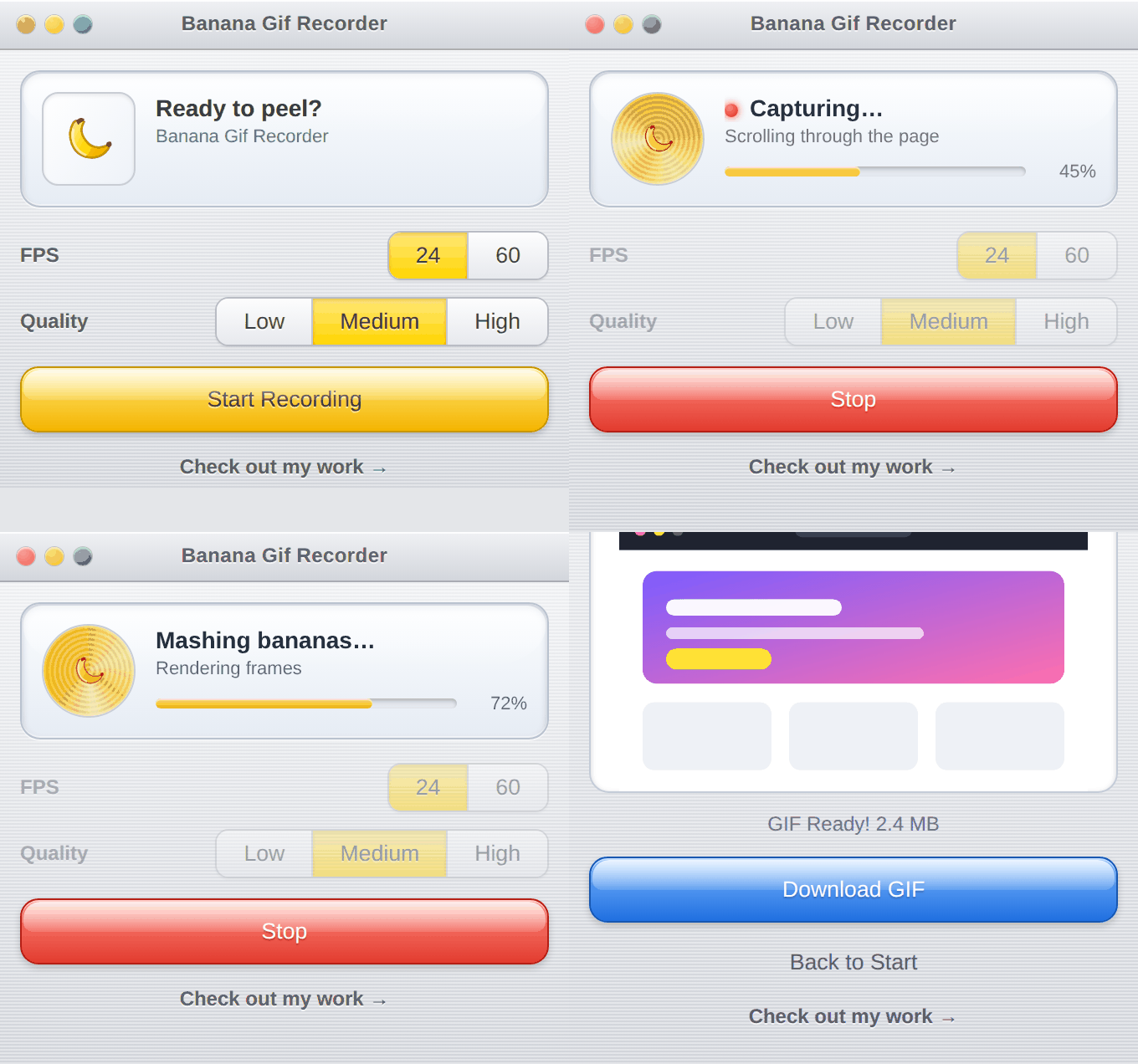
Auto-scroll capturePoint it at a page, and it scrolls top to bottom on its own while it records. No dragging a capture box.
GIF conversionThe recording is encoded into an optimized GIF, ready to drop into docs, issues, or social posts.
Your settingsChoose the frame rate and quality to balance smoothness against file size for whatever you're sharing.
Privacy firstEvery frame is captured and encoded locally in your browser. No uploads, no accounts, no tracking.
How it worksFour steps to a GIF
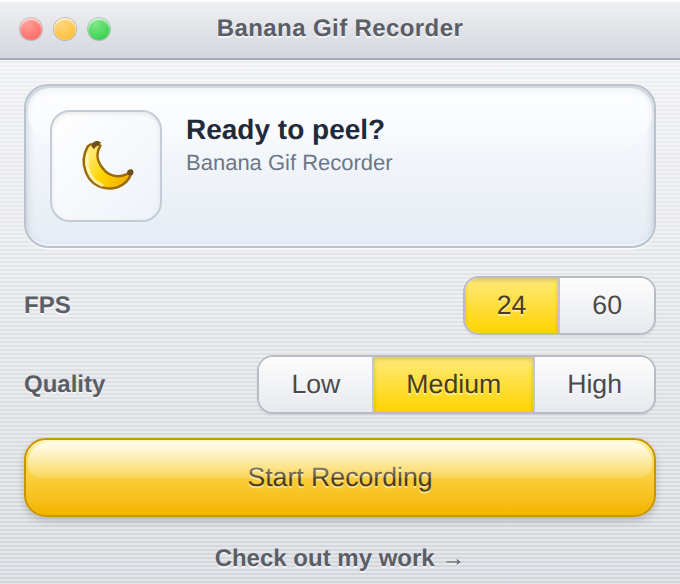
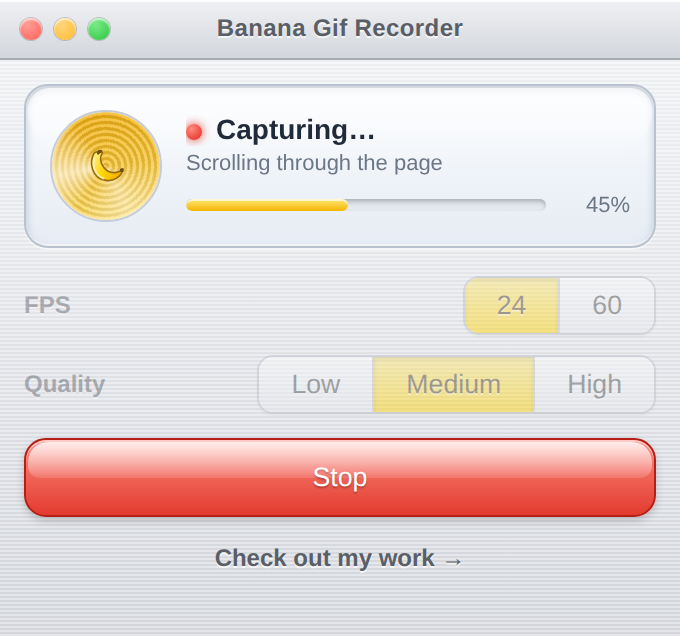
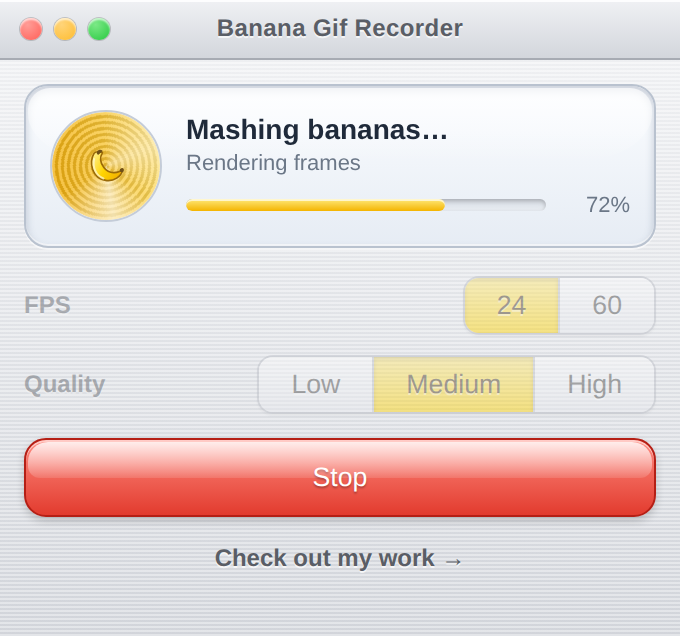
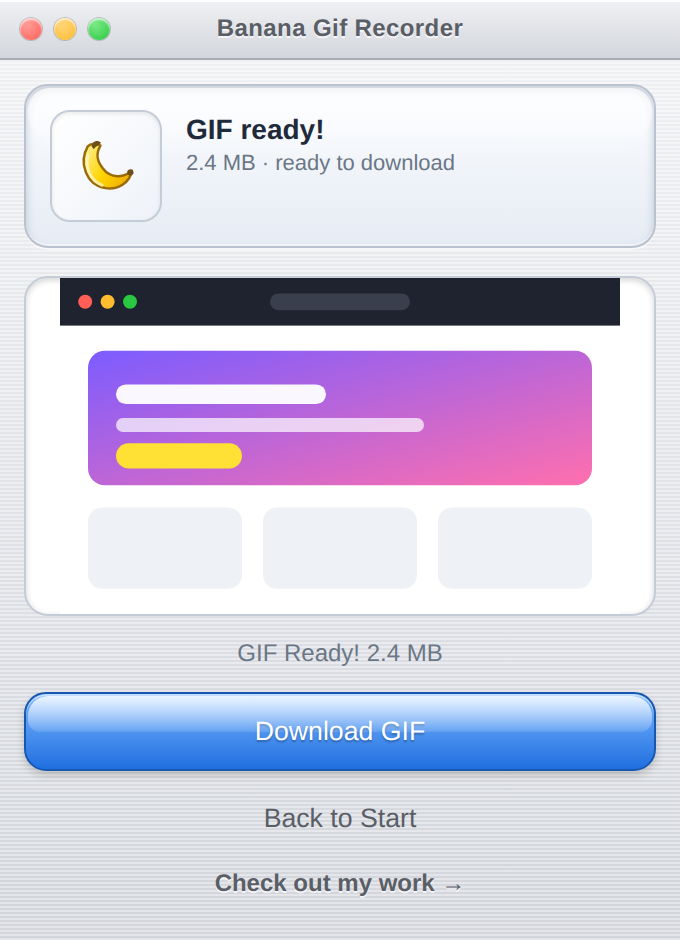
PrivacyLocal-only, no tracking
We don't collect anything.
All processing happens locally in your browser. There are no uploads, no data collection, and no tracking. The extension asks for only three permissions, each used for exactly one thing.
activeTabLets the extension capture the active tab, and only when you explicitly start a recording session.
tabCaptureRecords the visual content of the tab so it can be turned into a GIF. All of this processing happens locally in the browser.
storageSaves your recording preferences (frame rate, quality, area). No recording content or personal data is ever stored.
Last updated November 27, 2025