← afterhourHyprland rice · Arch Linux
Chill Dots
A complete Hyprland rice that re-themes itself from whatever wallpaper is on screen. wallust pulls a 16-colour palette out of the image, seven templates push it into every app, and a systemd timer rotates the whole look every twenty minutes.
Auto-themingWallpaper in, desktop out
Colours from the wallpaperwallust runs k-means clustering over the current wallpaper and pulls a 16-colour dark palette out of it, checked for contrast so text stays readable.
Seven templates, one paletteThat palette is rendered into seven template files that inject the colours straight into Hyprland, Waybar, Kitty, Mako, Walker, Starship and the shell env. Nothing restarts.
It re-themes itselfA systemd timer swaps the wallpaper every twenty minutes with a smooth awww transition and re-runs the whole pipeline. Super + Shift + W picks one by hand instead.
One-command installinstall.sh backs up your existing configs to a timestamped folder, installs 180 official and 5 AUR packages, copies 106 wallpapers, and applies the theme.
ScreenshotsSame config, different wallpaper
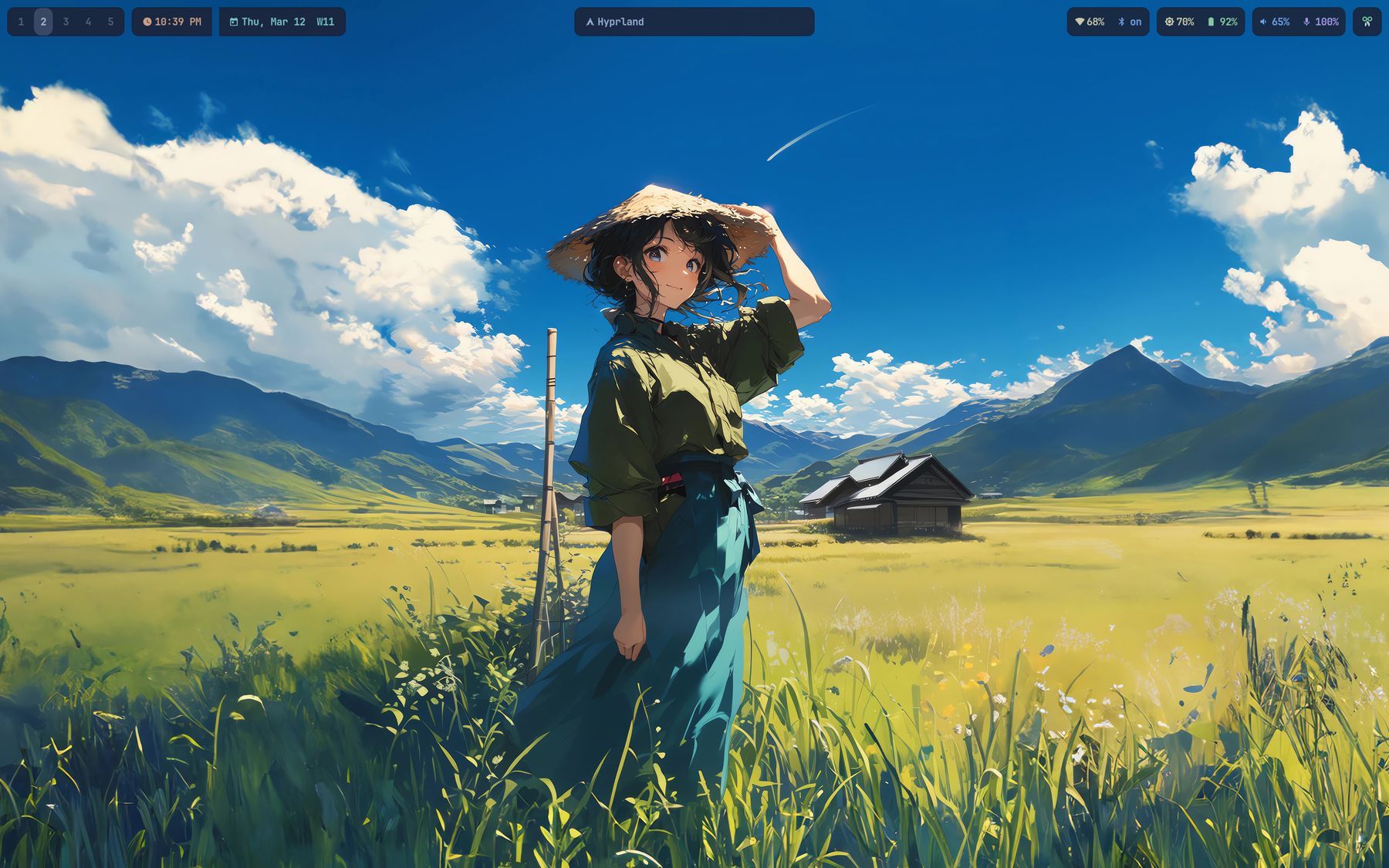
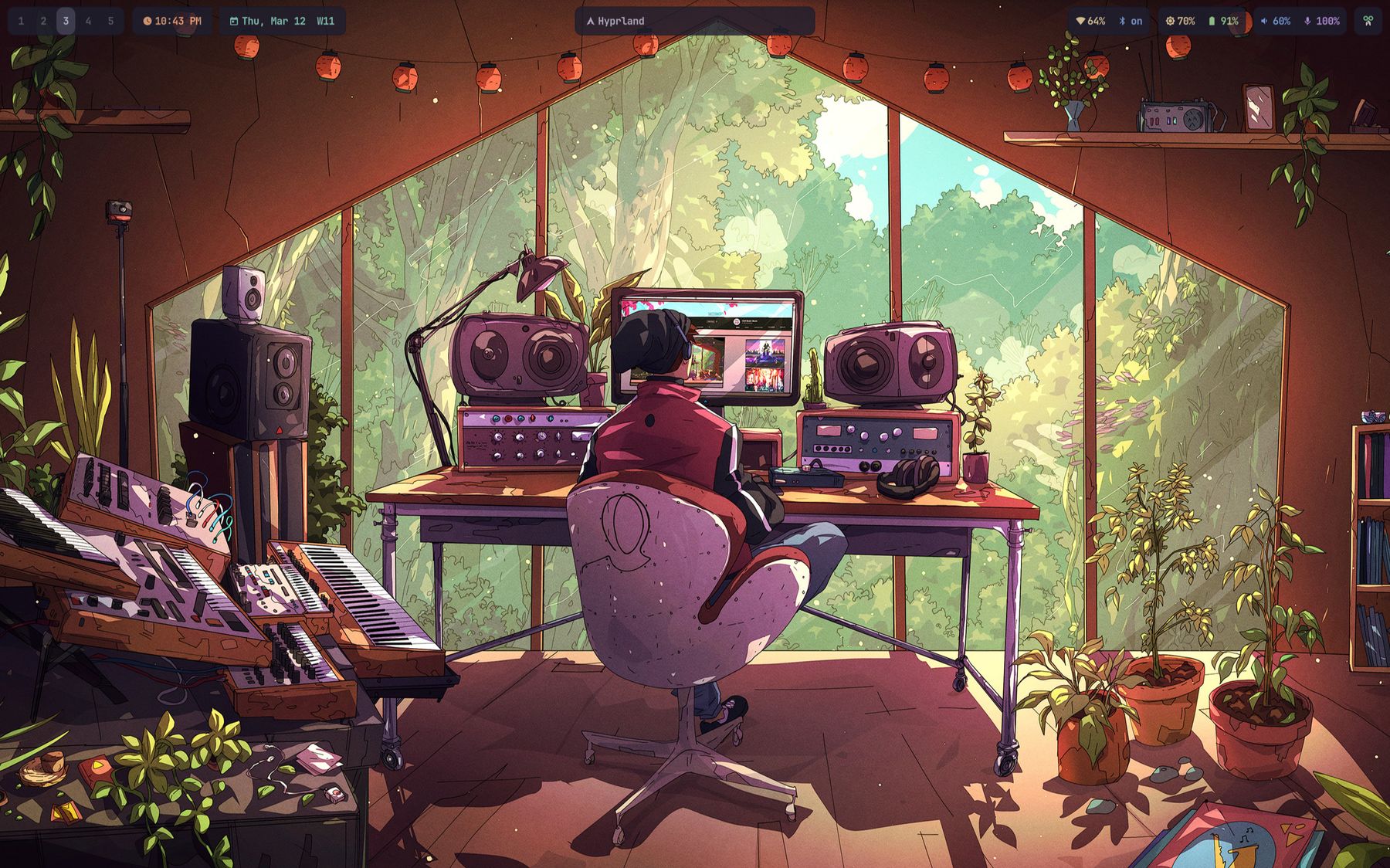
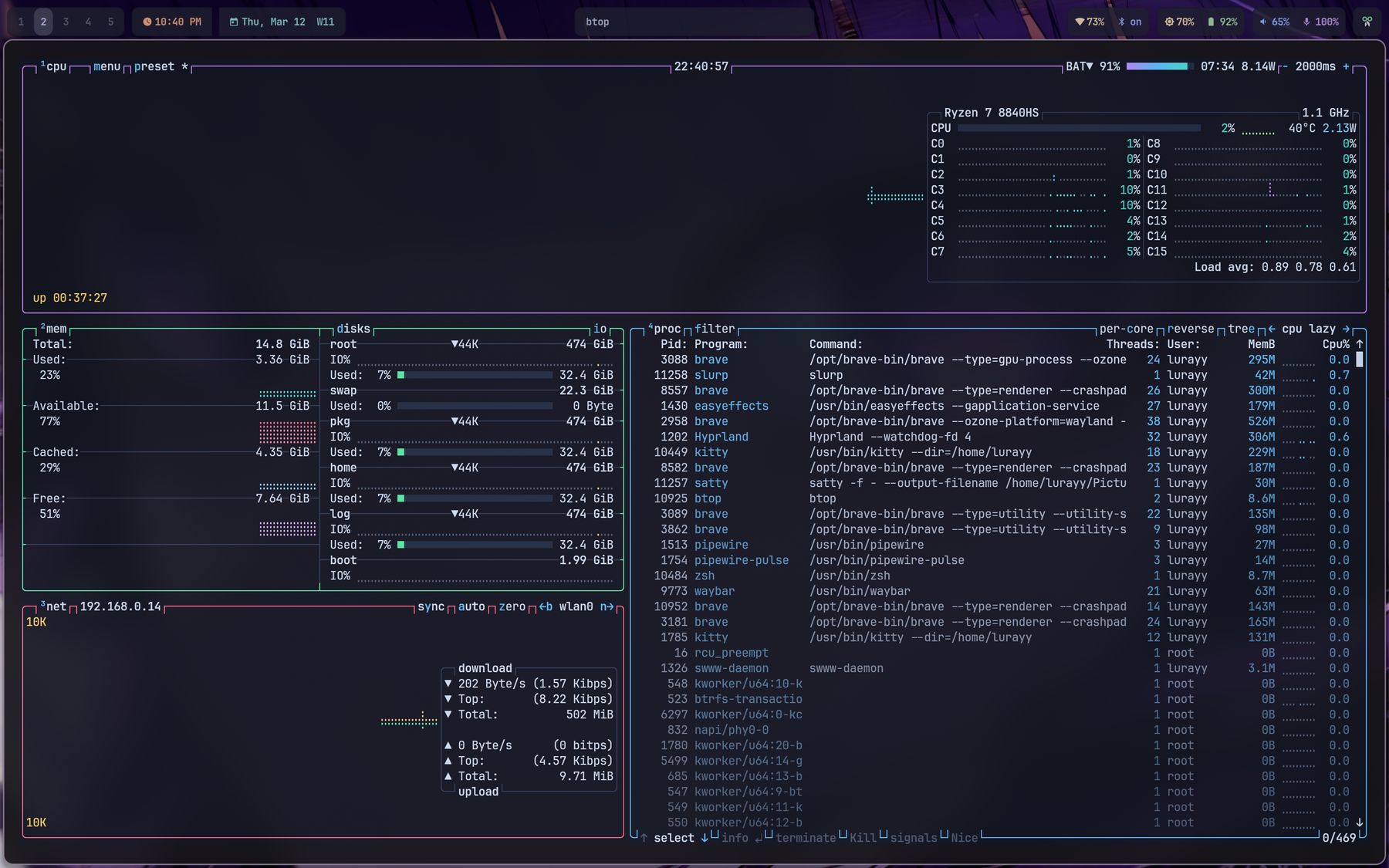
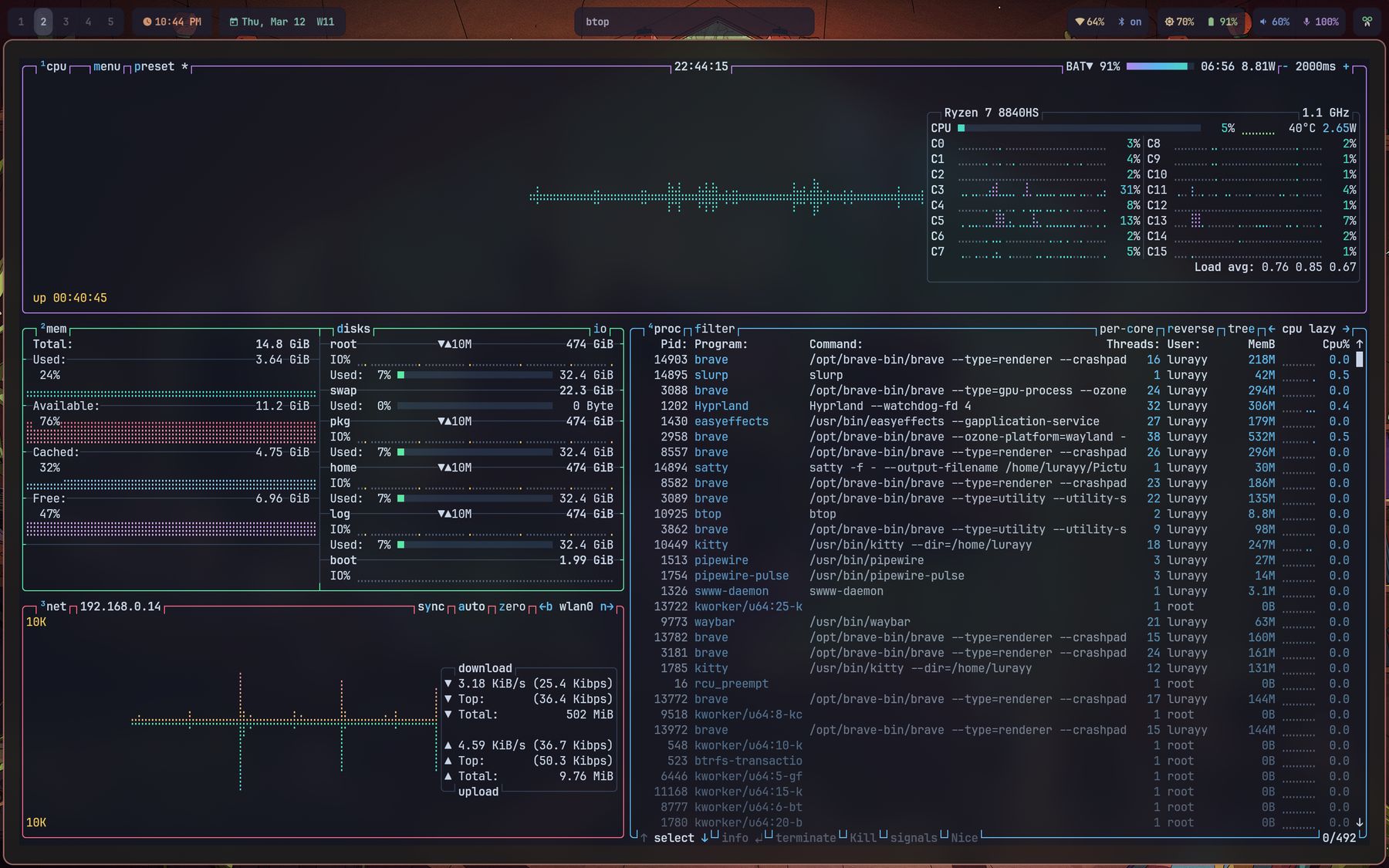
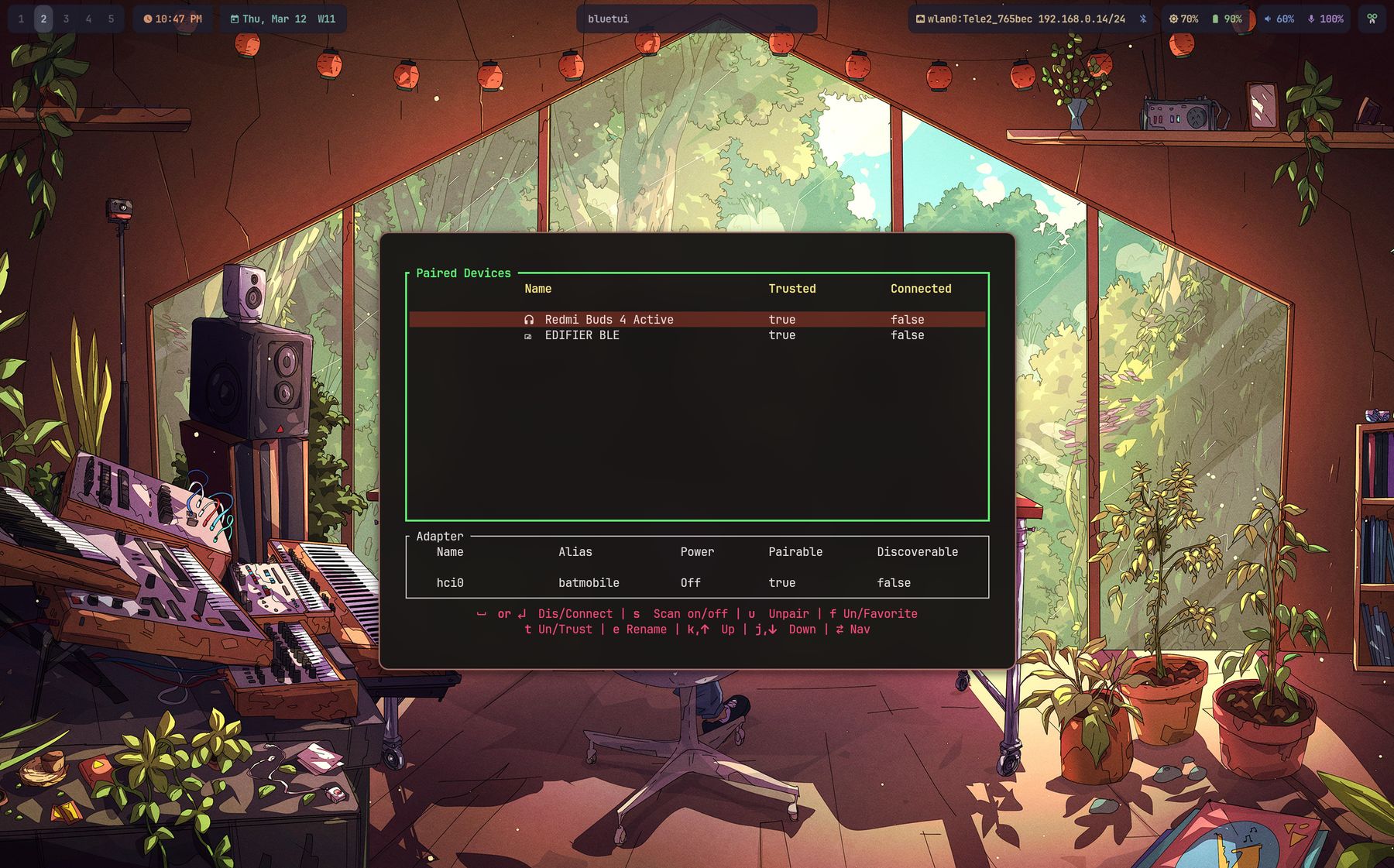
Every screenshot here runs the same configuration. The only thing that changed between them is the wallpaper.
What's in itThe pieces being themed
CompositorHyprland, with bezier-curved open/close animations, layered blur and animated borders.
BarWaybar, including a live weather module alongside workspaces and system stats.
TerminalKitty as the default, with Ghostty and Alacritty configs shipped alongside it.
Launcher & notificationsWalker for launching, Mako for notifications, SwayOSD for volume and brightness.
Lock & idleHyprlock and Hypridle, themed from the same palette as everything else.
ShellZsh with Oh My Zsh and Starship, plus zoxide, mise, fzf and the usual autosuggestion and syntax-highlighting plugins.
Theme baseBuilt on top of Omarchy, whose theme-set hook re-runs wallust so colours stay in sync.
Arch Linux, with Omarchy installed first. Clone the repo, run the installer, log out and back in.