afterhour
GitHub
← afterhourRobotics · Python

RPLidar Simulator

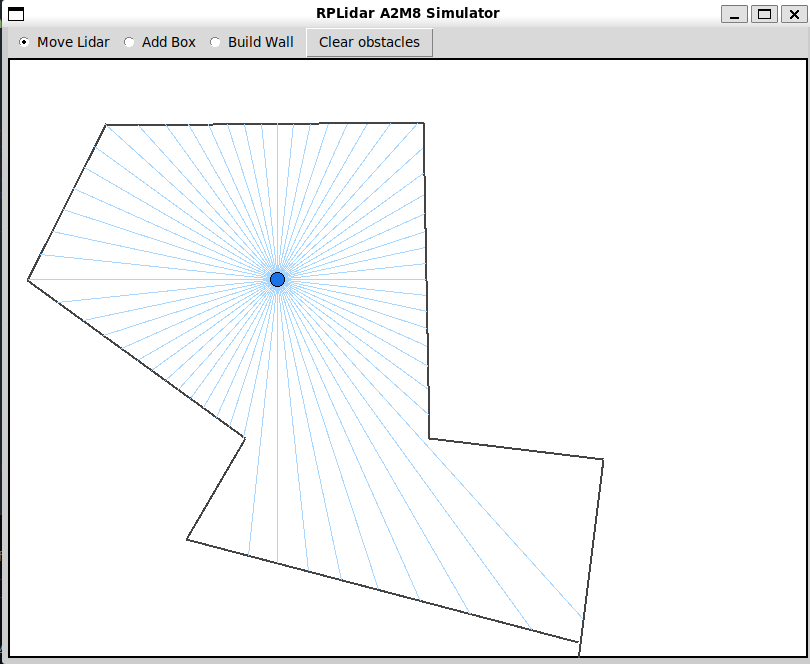
A 2D RPLidar A2M8 simulator with a paint-as-you-go world editor. Drag the lidar, draw walls and boxes, and it streams 360° scans over TCP in the same wire format a real A2M8 driver expects.

Why it existsNo hardware, no excuse

This started as a scan-matching algorithm for a robotics class, written before the lidar arrived. Replaying the same recorded bag file over and over was not enough: every tweak to the algorithm wanted a fresh scan against a slightly different scene, and there was no way to get one. So the scene became editable instead, and the arena learned to speak the A2M8 protocol.
What it doesEdit, scan, stream
An arena you can edit liveAn 8 × 6 m room at 10 mm per pixel. Drag the lidar anywhere, rotate its heading with a slider, paint rectangular boxes, draw free-hand line walls, or clear the scene and start again.
Scans that look like scans360 samples per scan at 1° resolution, around 1.8 Hz, with a Gaussian noise model and a 6-bit quality byte. Not clean geometry, something closer to what the hardware actually hands you.
The real wire formatSeparate TCP control and data sockets that mimic the RPLidar A2M8 binary protocol. Point your driver at 127.0.0.1 and it does not know the difference.
A visible zeroA red 0° arrow on the lidar body marks the zero-degree heading, so you can see at a glance how the sample angles in the stream map onto the scene in front of you.
ScreenshotsThree scenes
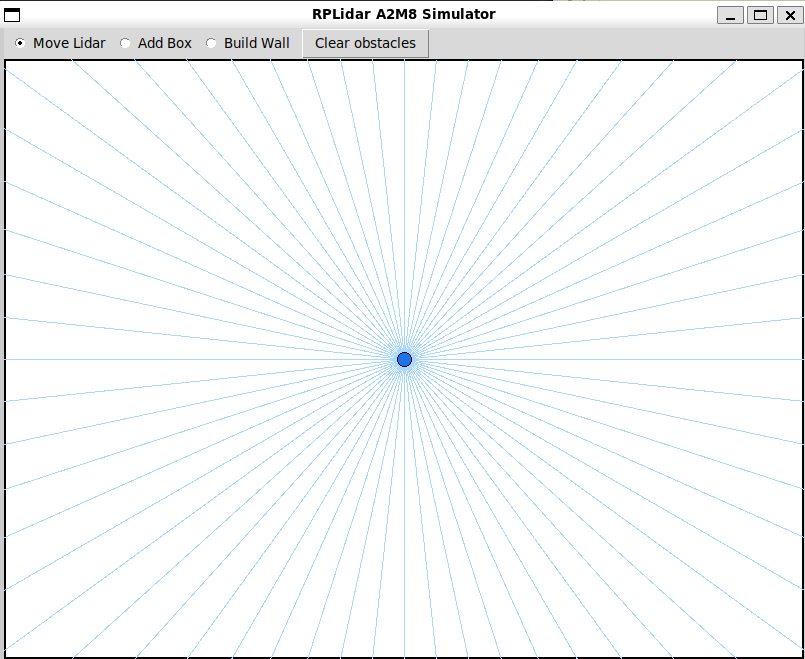
Empty arena
Empty arenaThe default scene, with every 6th ray drawn so the fan stays readable.
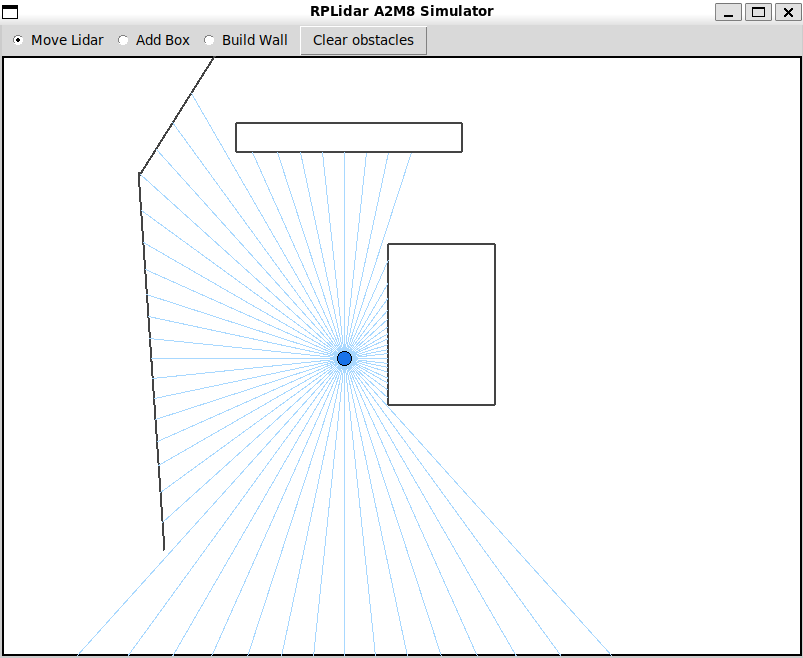
Boxes mode
Boxes modeRectangular obstacles painted into the scene, raycast in real time.
Walls mode
Walls modeFree-hand line segments, for hallway and loop-closure SLAM tests.
Talking to itTwo sockets
Control port127.0.0.1:9887. The simulator listens here from the moment the GUI opens.
Data port127.0.0.1:9888. Your code listens, the simulator connects out to it once scanning starts.
StartSend the start command on the control socket and scans begin streaming to the data port.
StopSend stop and the stream ends. Edit the scene, start again, get a fresh scan of the new world.
RequirementsPython 3.12+ and Tkinter, which ships with most Python distributions. python main.py, nothing else to install.

The repo documents the rest: what a single reading contains, the frame header and sample bitfields, and a complete reference client for plugging the simulator into a SLAM or scan-matching pipeline.